
Custom CSS options
If you are running the **Plus **or the Enterprise plans of the app, you can apply custom CSS to different elements of the Cookie banner and the Preferences popup.
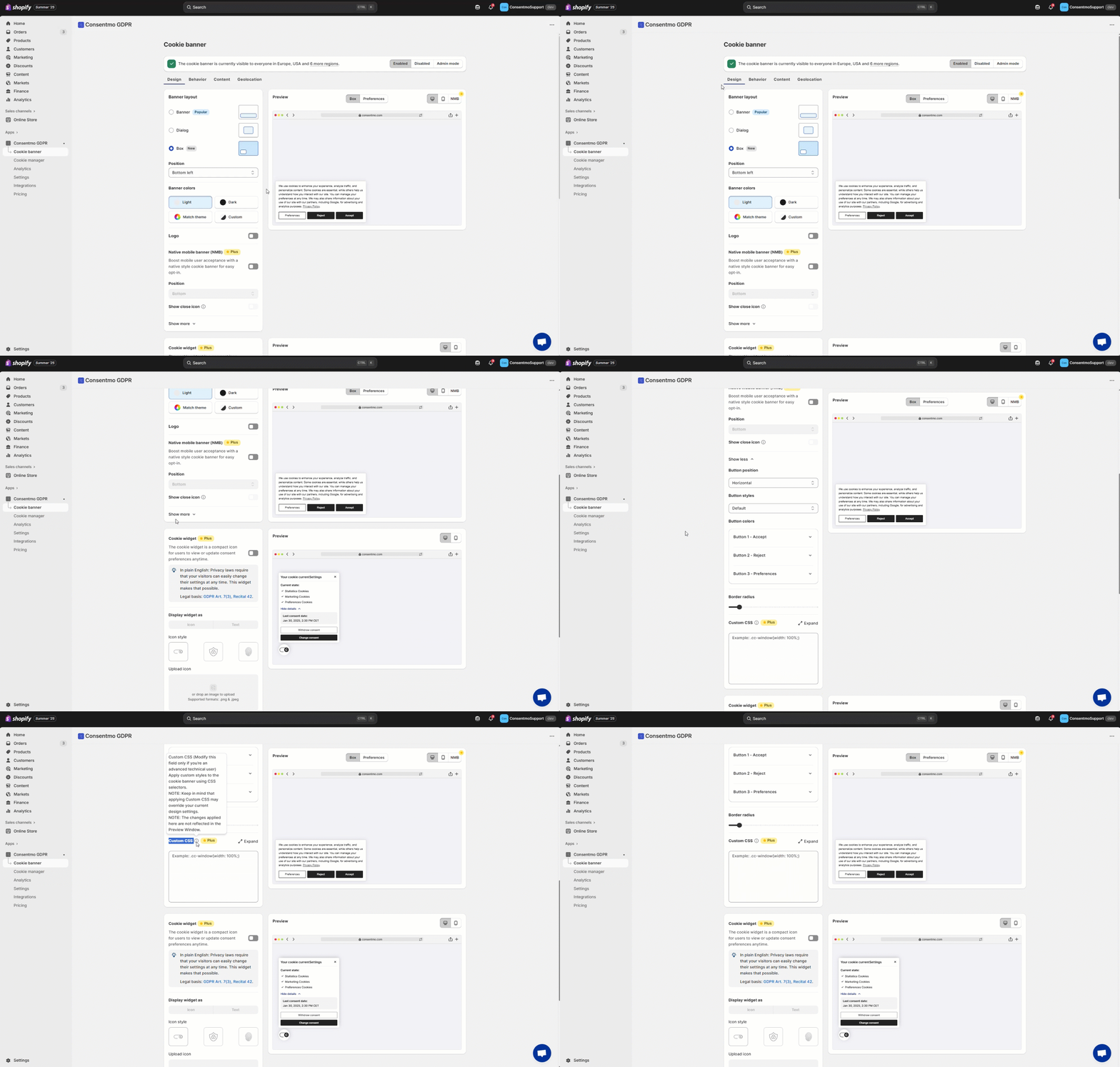
This can be done by following these steps:
- Open the Cookie banner tab
- Go to Design
- In the Design section, hit the Show more option
- Find the Custom CSS section
To know more about the specific Selectors we use for the Cookie Bar and Preference popup; please refer to this FAQ:
Updated on: 08/10/2026
Thank you!