
Creating new DSAR pages
DSAR (data subject access request) pages are automatically created when you install the app and complete the region selection during the Quick Setup process.
The generated pages correspond to the regions you select during setup.
Automation for creating a new page
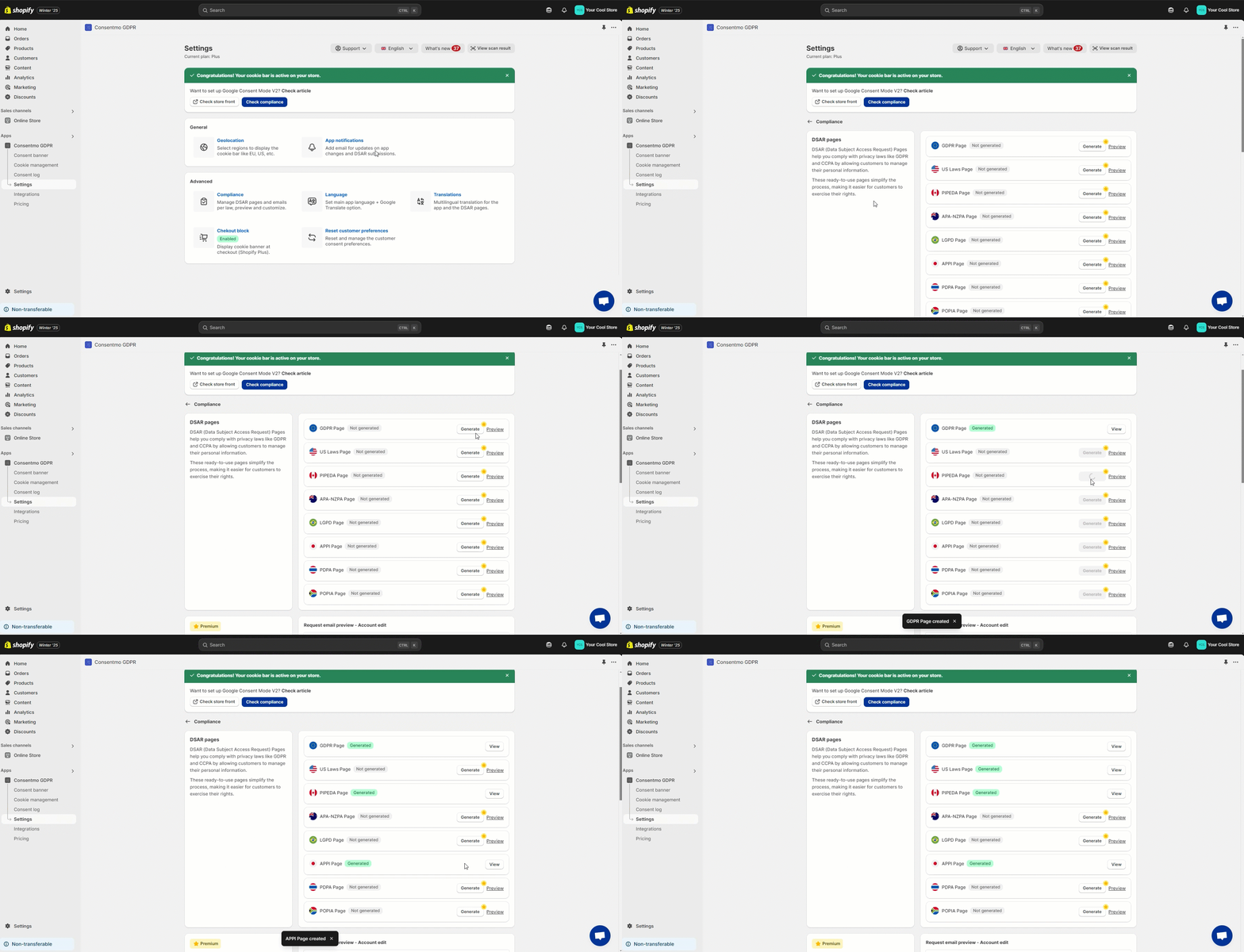
If you are on a Paid plan, you can generate the DSAR pages automatically by following these steps:
- Go to the Privacy center tab
- Open the Privacy request pages section
- Select either of the options there:
- A single page covering all requests for Global compliance by enabling the Smart Privacy Center
- Generating single pages for all regions you have enabled the app for in the regions tab
Need help?
For direct support, you can reach out via the live chat or by sending an email to our support team at support@consentmo.com
Updated on: 08/05/2026
Thank you!